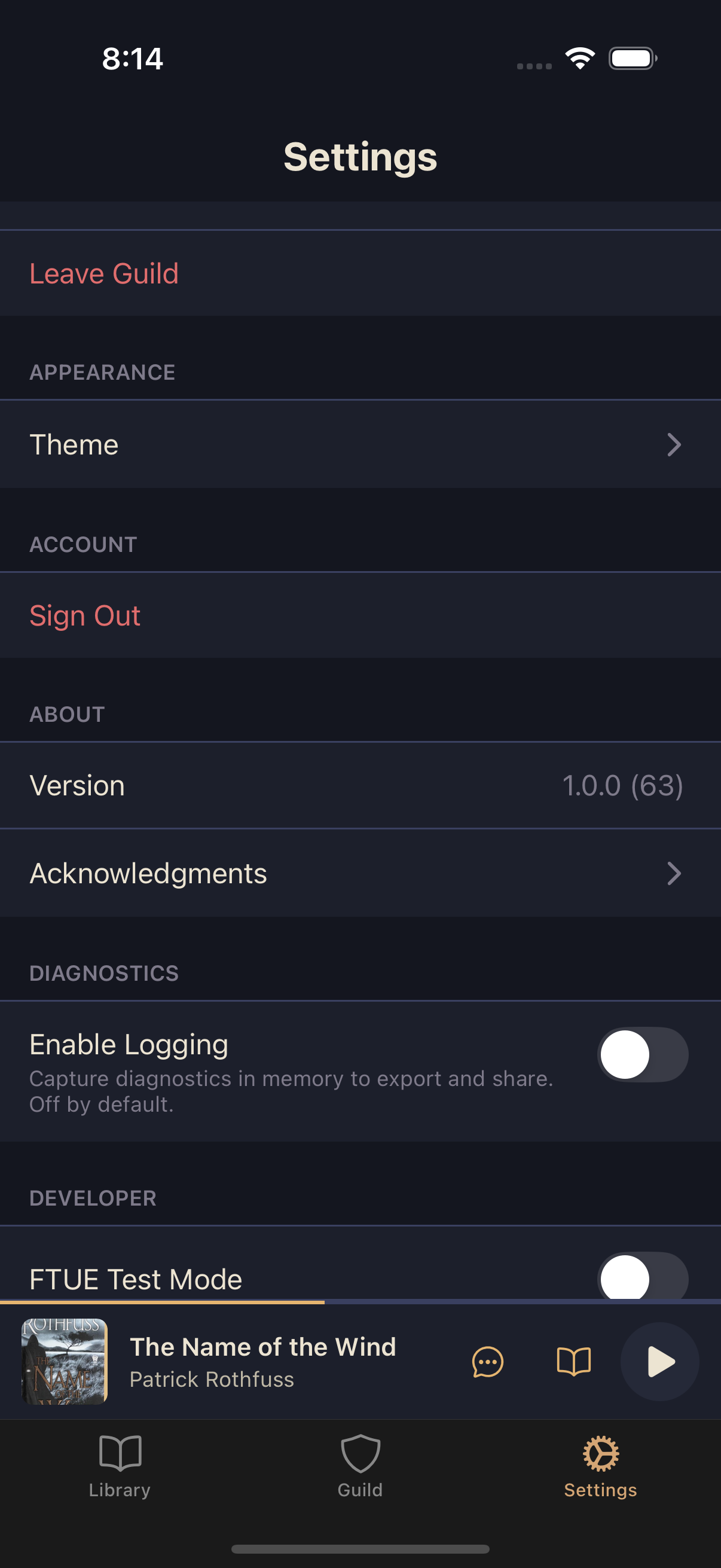
Your profile settings let you customize how other Adventurers see you in your guild and manage your account info. You can change your display name, check your email, and select which Title you're wearing.
Editing your display name
Your display name is how guildmates see you in comments, activity feeds, and guild rosters.
Open Settings
From the main tab bar, tap Settings.
Tap your current display name
The name at the top of the screen is tappable.
Edit and save
Type your new name and tap Save. Your guildmates will see the change immediately.
Viewing your email
Your email appears below your display name in Settings. This is the email address tied to your Squabble account.
Equipping a Title
Titles are earned honorifics you've unlocked by completing books and reaching reread milestones. You can equip one Title at a time to show it next to your display name throughout the guild.
Scroll down to Title
In Settings, below your email is a Title row showing your currently equipped Title, or None if you haven't equipped one.
Tap the Title row
This opens the Title selector.
Choose a Title and save
Scroll through your earned Titles, select one, then tap Save. The selector closes and your new Title takes effect.