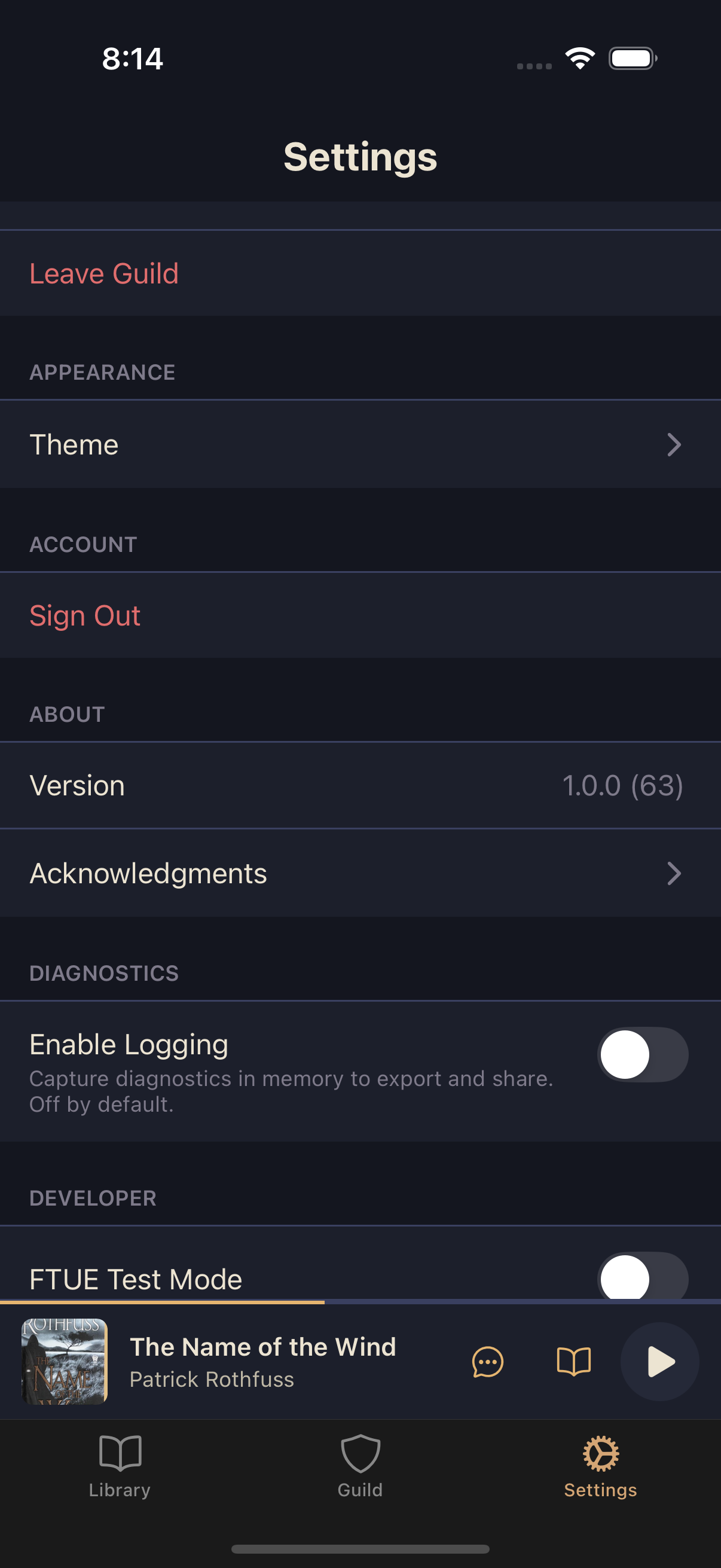
Playback settings let you configure how the player starts each book. You can set a default speed (applied when you open the player) and choose how far forward or backward you skip when you use the skip buttons.
Setting default playback speed
The default speed applies every time you open the player to start listening to a book. You can always change the speed mid-listen without affecting this default.
Open Settings
From the main tab bar, tap Settings.
Find Playback settings
Scroll down to the Playback section.
Tap Default Speed
Select a speed from 0.5x (half speed) up to 3.0x, in preset steps: 0.5x, 0.75x, 1.0x, 1.25x, 1.5x, 1.75x, 2.0x, 2.5x, or 3.0x.
Configuring skip intervals
The skip buttons in the player let you jump forward or backward by a fixed amount. This setting controls how many seconds you skip.
In Settings, find Playback
Below Default Speed is the skip interval section.
Select skip backward and skip forward intervals
Choose your preferred interval: 5, 10, 15, 20, 30, 45, 60, or 90 seconds.