The Activity tab is your guild's shared timeline: everything happening across your reading party, in one scrollable feed. It's the first thing you land on when you open the Guild tab, and it's where you catch up on what your guildmates have been up to.
What shows up in the feed
The feed gathers the guild's social activity into cards:
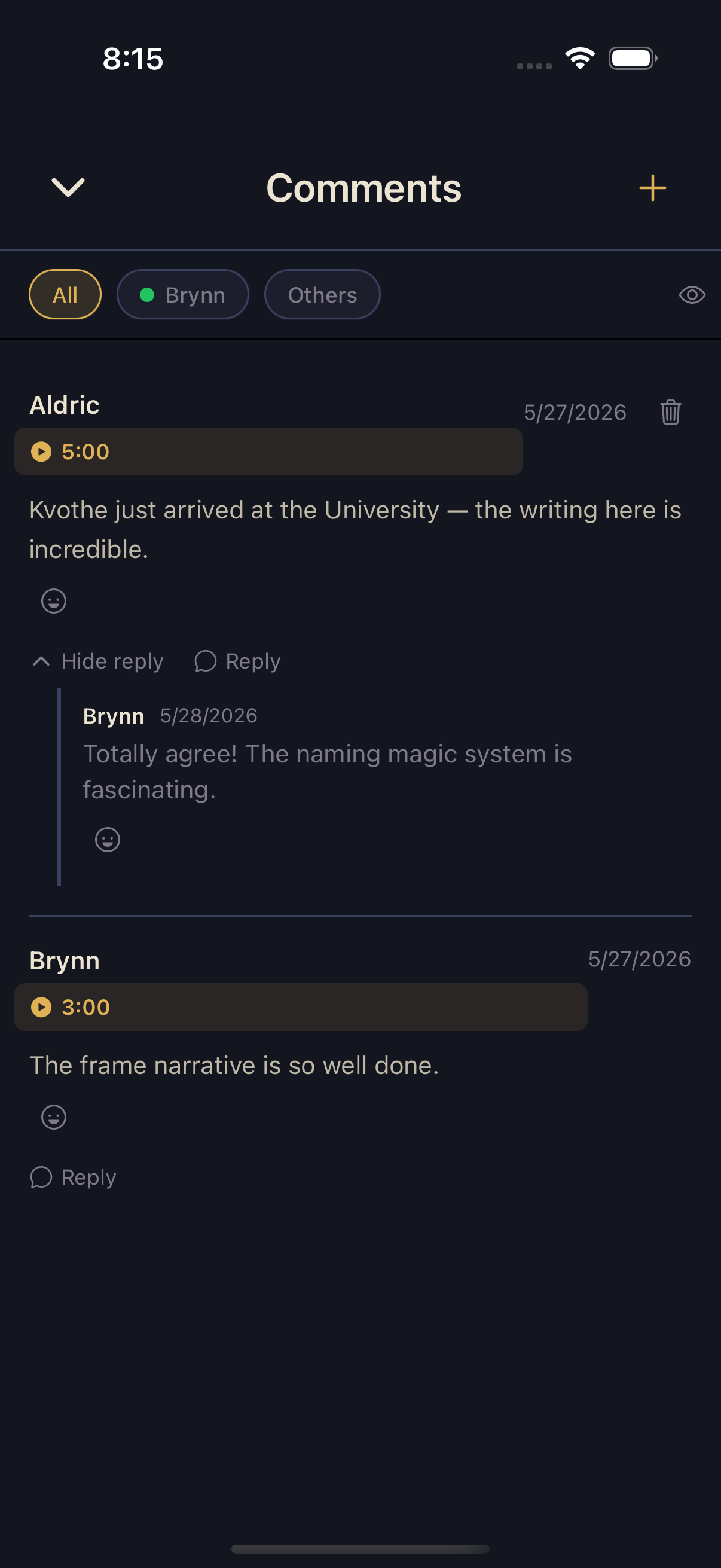
- Comments — new timestamp comments guildmates leave on books, with a play button for any attached audio clip.
- Topics — new Topic threads and their replies.
- Replies — responses to comments and Topics, shown with a preview of the latest one.
- Milestones — moments worth marking: an Adventurer finishing a book, or starting and completing a Solo Quest.
The feed also spotlights the guild's pinned quest, with each member's colored progress, and groups idle Adventurers under an "at the tavern" heading.
Reactions
Every comment, Topic, and reply can be reacted to with emoji. Tap the reaction affordance on a card to open the emoji picker and pick one; each emoji shows as a pill with a running count. Tap a pill again to remove your reaction — it's a toggle. Reactions are a lightweight way to say "same" or "😂" without adding another reply to the thread.
Spoiler safety in the feed
The feed inherits the same spoiler protection as the rest of Squabble — it never surfaces something you're not allowed to see.
Keeping up
Tapping a feed card opens the thing it's about — a comment opens in its detail view, a Topic opens the thread, a milestone opens the book. New activity is marked as unseen until you view it, and you can mark the whole feed as seen once you've caught up.